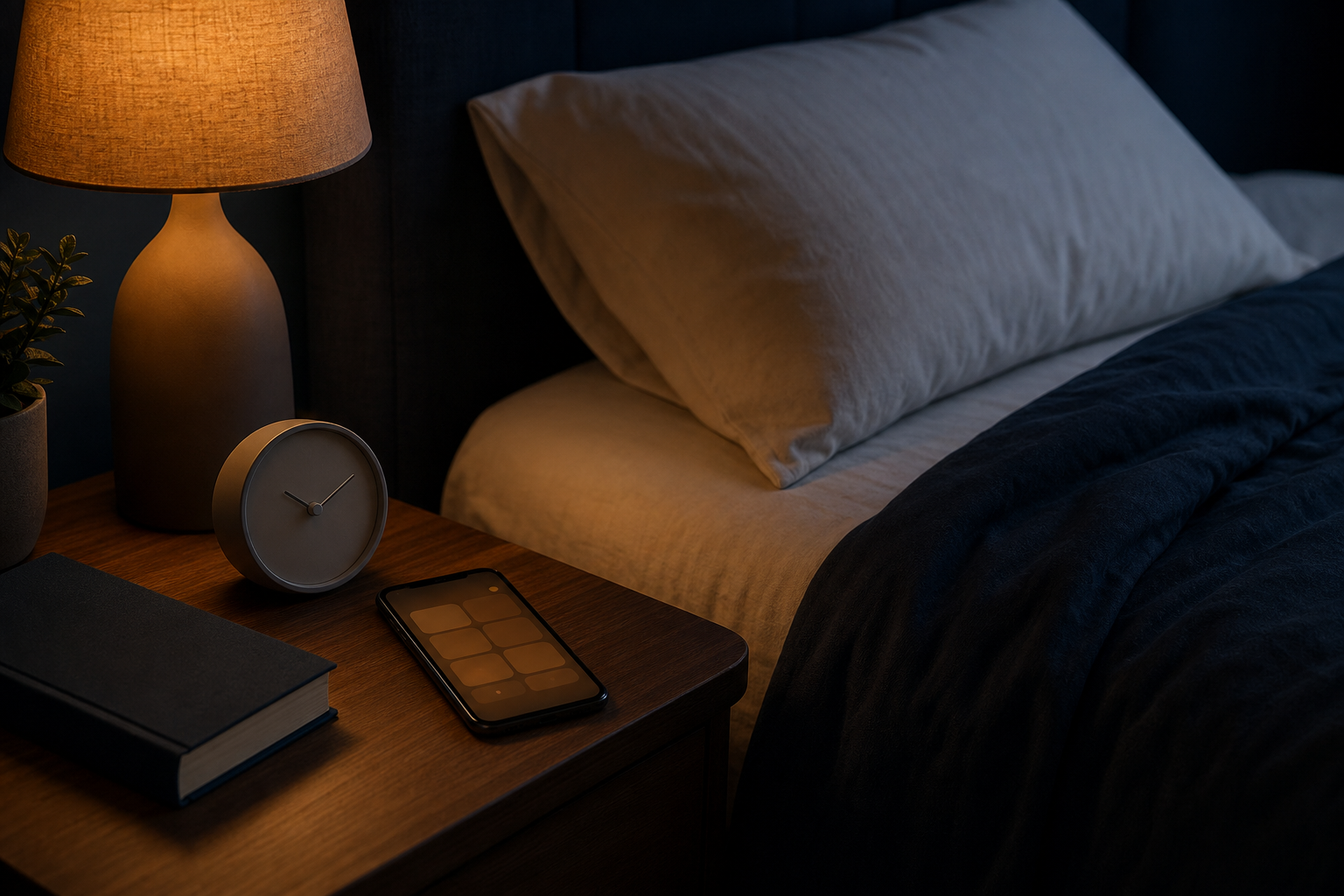
Screen time before bed can interfere with sleep, but blue light is not the only issue. A device can push your bedtime later, keep your mind active, expose you to alerting light, or interrupt you after you fall asleep. Which effect matters most depends on how, when, and why you use the screen.
The practical goal is not to follow a perfect digital curfew. It is to stop your screen habit from delaying, stimulating, or interrupting sleep.
That is why one universal cutoff does not work for every adult. Before banning every evening screen, look at what your device is actually doing to your routine.
Four Ways Screen Time Before Bed Can Matter
“Screen time” covers everything from checking tomorrow’s weather to spending two hours answering work messages. These activities do not create the same bedtime conditions.
The main factors to inspect are:
- It takes time away from sleep. You intend to scroll for ten minutes, but autoplay, recommendations, and endless feeds keep you up for an hour. Even if you fall asleep quickly afterward, you have reduced the time available for sleep.
- The content keeps you alert. Work, arguments, upsetting news, competitive games, suspenseful shows, and rapid short videos can leave you thinking after the screen is off. Calm, finite content is usually easier to leave behind.
- The light reaches you late in the evening. Bright light can signal alertness to your body clock. Duration, brightness, distance, room lighting, and timing all influence the exposure.
- The device interrupts the night. Notifications, vibrations, incoming calls, and a glowing screen can wake you. Easy access also makes it tempting to check the time or start scrolling after a normal brief awakening.
Bedtime delay is often the easiest factor to spot. Compare the time you planned to turn out the light with the time you actually did. If your phone repeatedly widens that gap, changing brightness alone will not solve the problem.
Blue Light Is Only Part of the Picture
Evening light has a real role in circadian timing, and controlled studies have found effects after prolonged use of light-emitting devices. That does not mean every quick look at a dim phone has the same effect.
A bright screen held close to your face for hours is different from a dim television across the room. Your surrounding lamps matter too. A warm screen setting cannot create a dark evening while bright overhead lights remain on.
Night mode, lower brightness, and warmer display settings are reasonable adjustments when you need a device. They reduce one possible source of stimulation, but they do not stop upsetting content, bedtime procrastination, or notifications.
Blue-light-blocking glasses are not a guaranteed workaround. Research on their sleep benefits is mixed, so do not treat them as permission to keep scrolling without limits.
How Long Before Bed Should You Stop?
Instead of adopting an arbitrary two-hour rule, start with the problem you notice.
Try 30 minutes if your main issue is losing track of time or carrying unfinished conversations into bed. Try 60 minutes if you regularly feel mentally alert after using a screen or need more time to settle.
If you must use a device late, make the activity finite. Choose one episode rather than autoplay, one article rather than an endless feed, or one necessary task rather than an open-ended work session. Set a stopping alarm and silence notifications afterward.
Try This One-Week Screen Experiment
A short comparison can show whether changing your routine makes a noticeable difference.
- Nights 1 and 2: Follow your usual routine. Record your intended bedtime, actual lights-out time, screen activity, estimated time to fall asleep, and morning alertness.
- Nights 3 and 4: Reduce stimulation. Dim the screen and room, use a warmer display setting, silence alerts, and avoid work, arguments, distressing news, or highly interactive content.
- Nights 5 through 7: Add a screen-free buffer. Put the device away 30 to 60 minutes before lights-out. Replace it with paper reading, gentle stretching, preparation for the next morning, or calm audio with the screen off.
- Review the pattern. Look first for an earlier lights-out time, an easier mental wind-down, fewer nighttime checks, or better morning alertness.
Keep your wake time reasonably consistent, and note unusual caffeine, alcohol, stress, or schedule changes. This is a practical self-check, not a controlled sleep study, so look for a useful pattern rather than judging one imperfect night.
Focus on the Screen Habit That Costs You Sleep
You may not need to eliminate every screen before bed. Start by protecting your intended bedtime, choosing less activating content, lowering evening light, and preventing notifications from following you into sleep.
If sleep difficulty continues despite allowing enough time for rest, daytime sleepiness regularly affects your functioning, or you have breathing concerns during sleep, discuss it with a qualified healthcare professional rather than relying only on a screen cutoff.